
Power BI HR & People Analytics Dashboard Examples
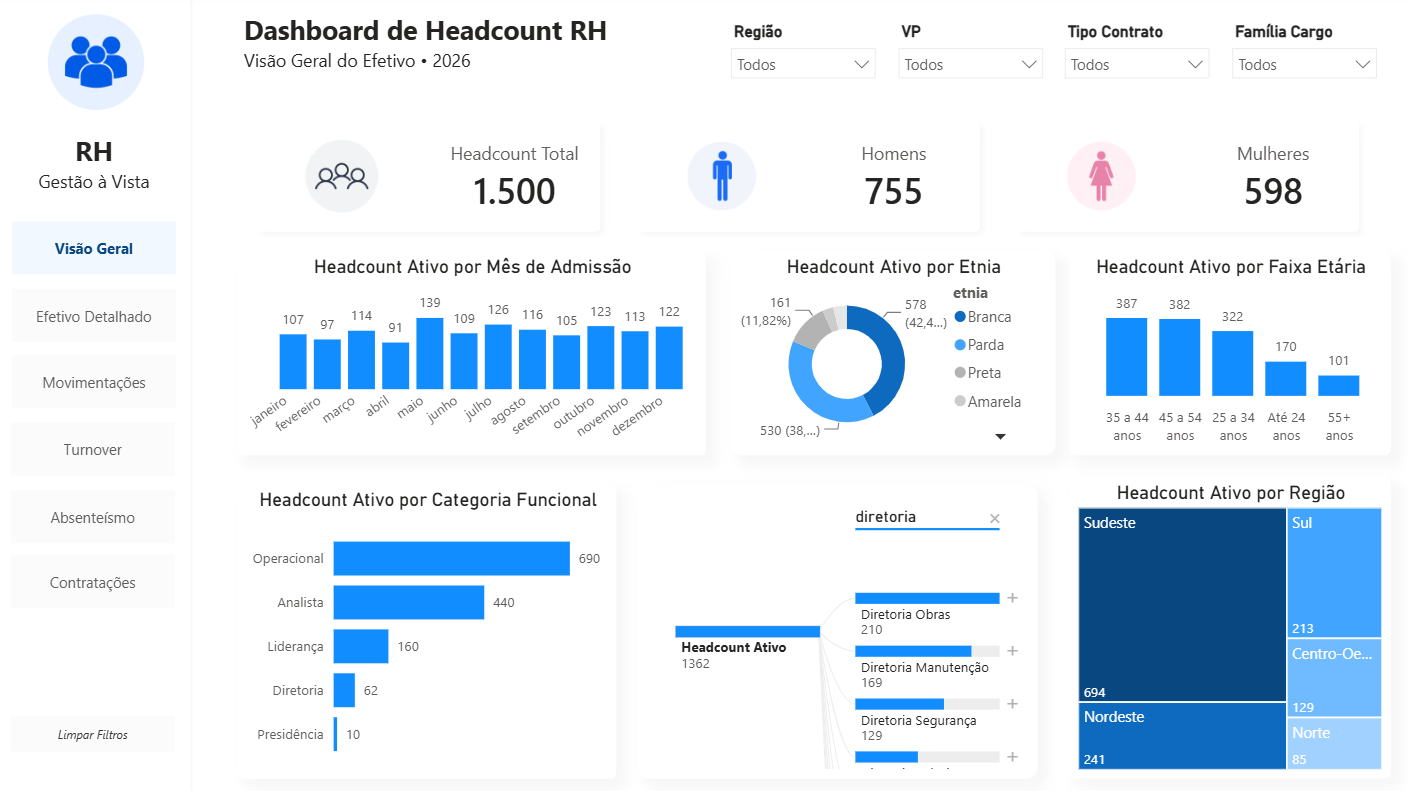
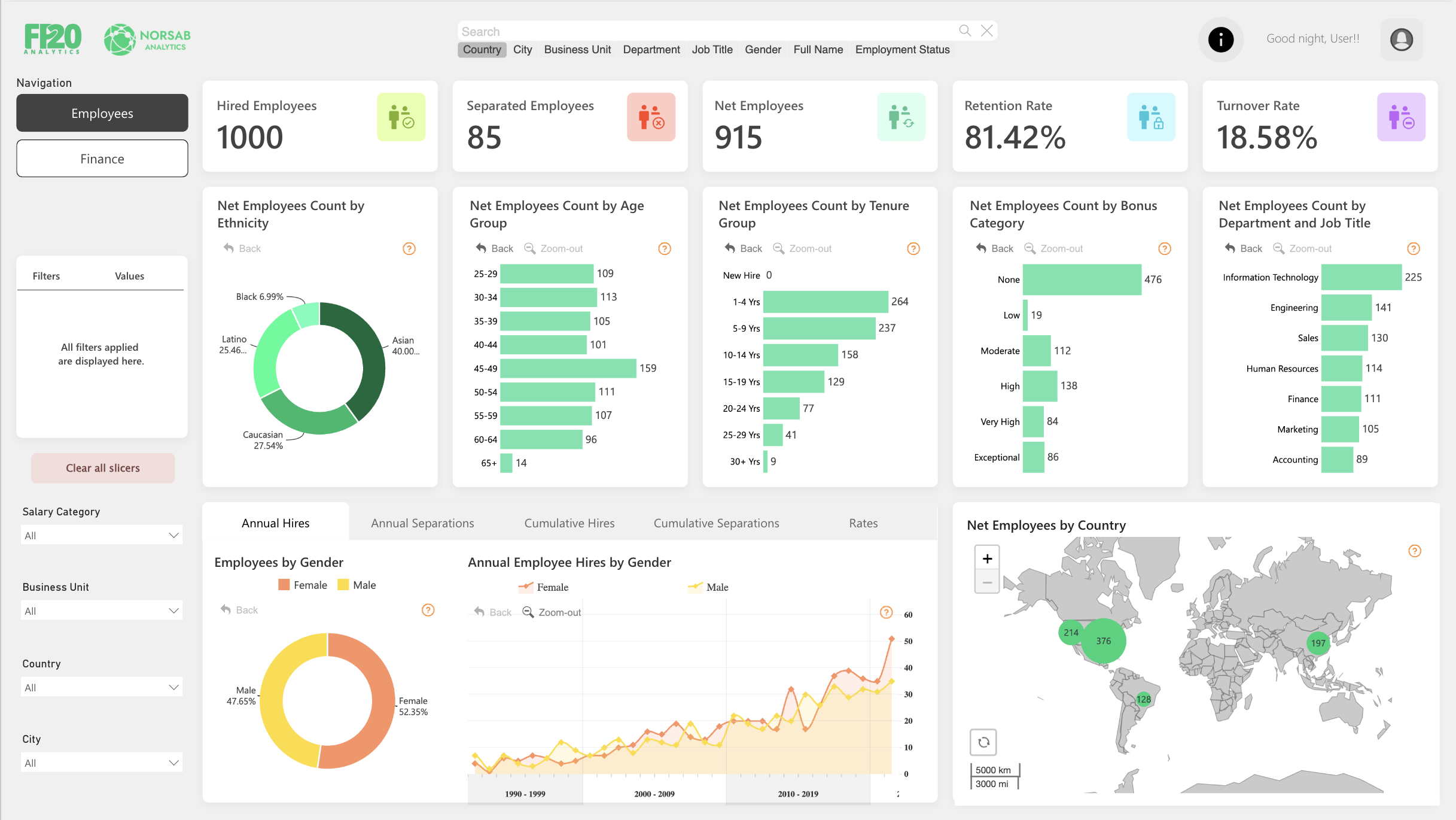
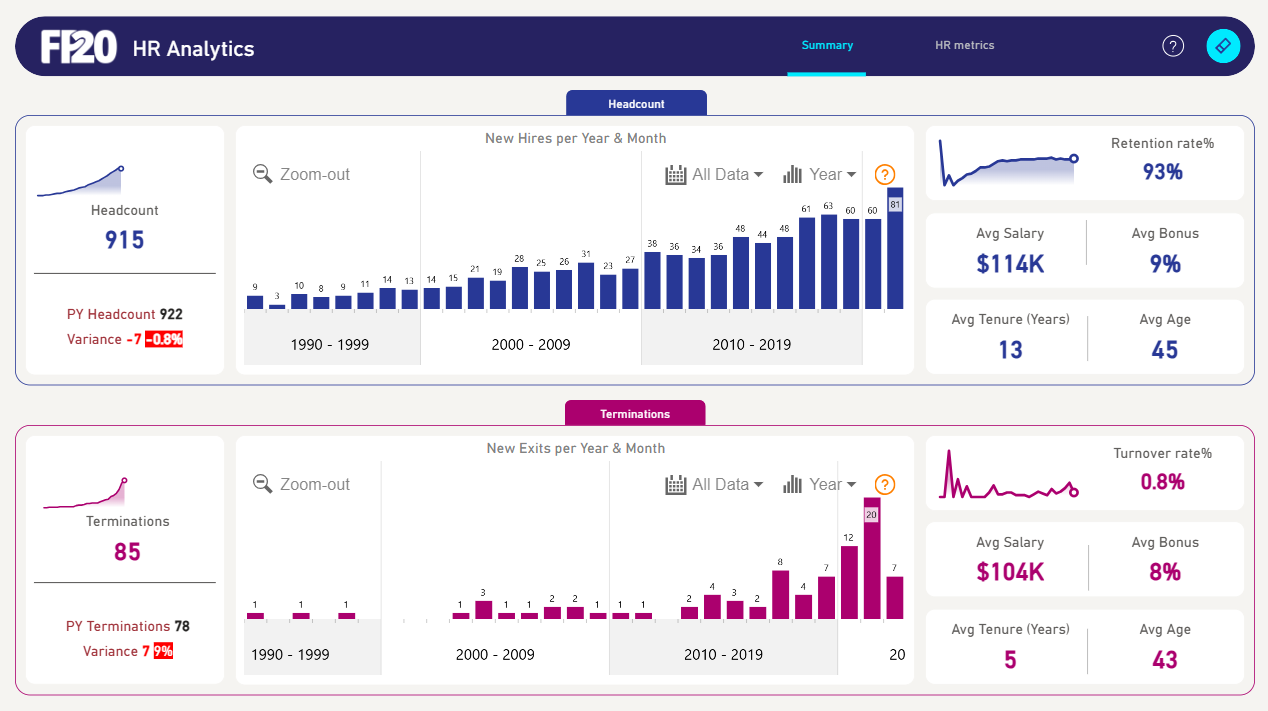
People analytics questions repeat everywhere: how is headcount trending, where is attrition biting, how healthy is the recruitment pipeline. These Power BI templates answer them with pre-built headcount bridges, attrition-rate measures, tenure distributions and hiring funnel views.
Each PBIX uses an anonymized employee dataset shaped like a typical HRIS export, so mapping your own system (Workday, BambooHR, SAP SuccessFactors exports) is mostly column renaming.
4 templates in Human Resources
Browse all templates →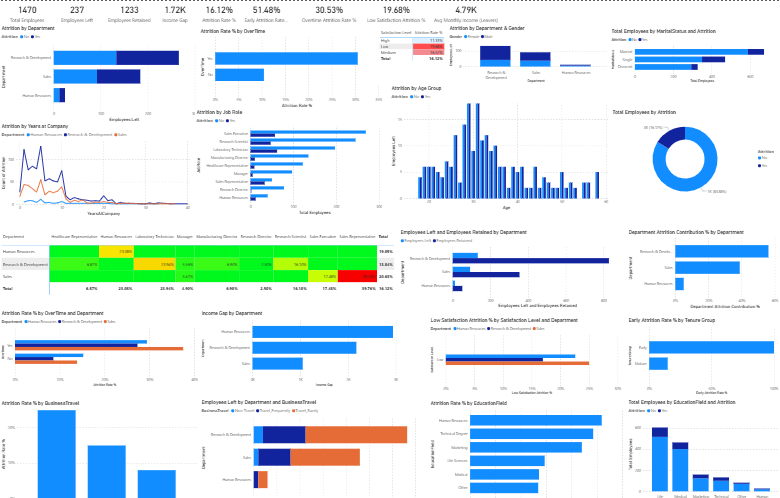
Frequently asked questions
How is attrition calculated in these templates?
The standard measure is leavers over average headcount for the period, with rolling 12-month variants included. All measures are editable DAX, so you can align them to your HR definitions.
Can I slice by department, location and manager?
Yes — the data model includes an org-structure dimension. Replace it with your own org table and every visual becomes sliceable by your hierarchy.
Is employee data in the templates real?
No — all bundled datasets are synthetic. Your own data never leaves your Power BI environment when you rewire the template.