
Insights & Tutorials
Blog
Power BI tutorials, tips, and best practices from the Flexa Intel team.
.png?alt=media&token=7fac184f-875a-42e7-9a21-27a4ea1ea346)
Calculation Groups vs Separate Measures for Variance in Power BI
Separate measures, calculation groups or built-in columns: compare 3 ways to build Budget vs Actual, YoY and MoM variance in Power BI, with DAX.
by AdminOctober 7, 2026


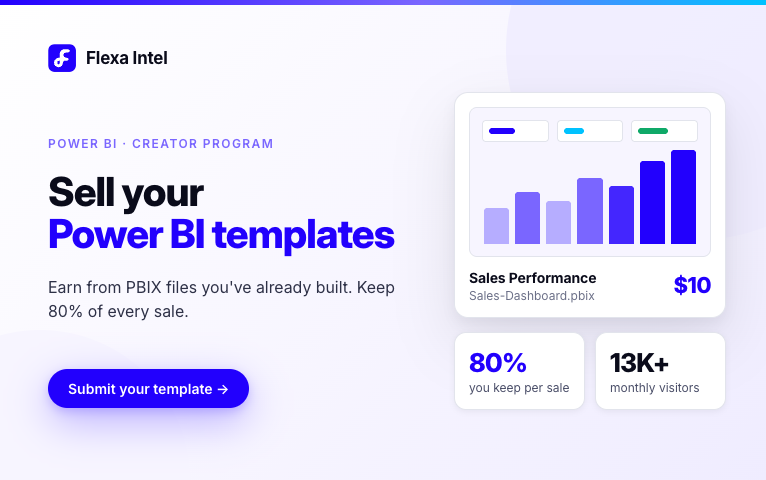
Sell Your Power BI Templates
Turn your Power BI dashboards into passive income. Learn how to sell PBIX templates and why the Flexa Intel gallery offers better reach than Gumroad.
by AdminAugust 18, 2026
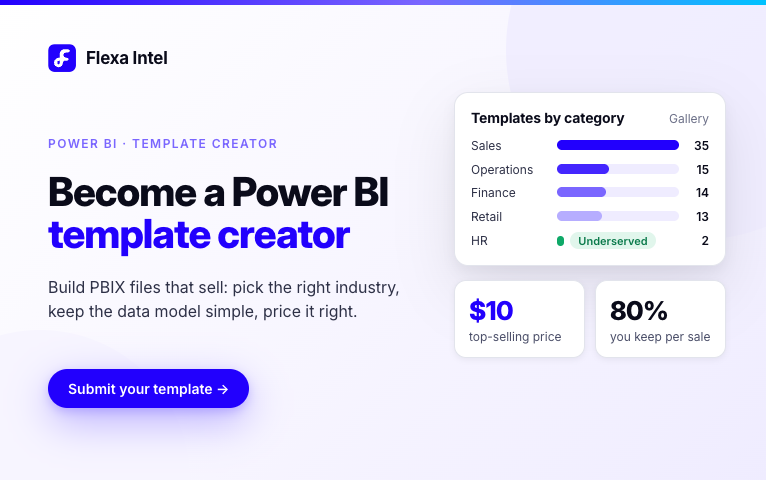
How to Become a Power BI Template Creator
A practical guide for Power BI developers to build templates that sell: pick the right industry, design the data model, write titles that rank on Google.
by AdminAugust 18, 2026
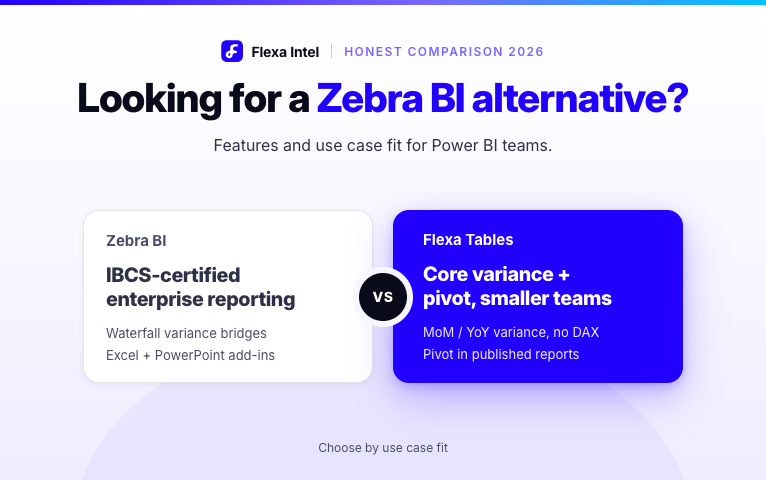
Zebra BI Alternative for Power BI
Looking for a Zebra BI alternative? Compare Zebra BI and Flexa Tables on price, features and use case fit to choose the right Power BI table visual.
by AdminAugust 17, 2026
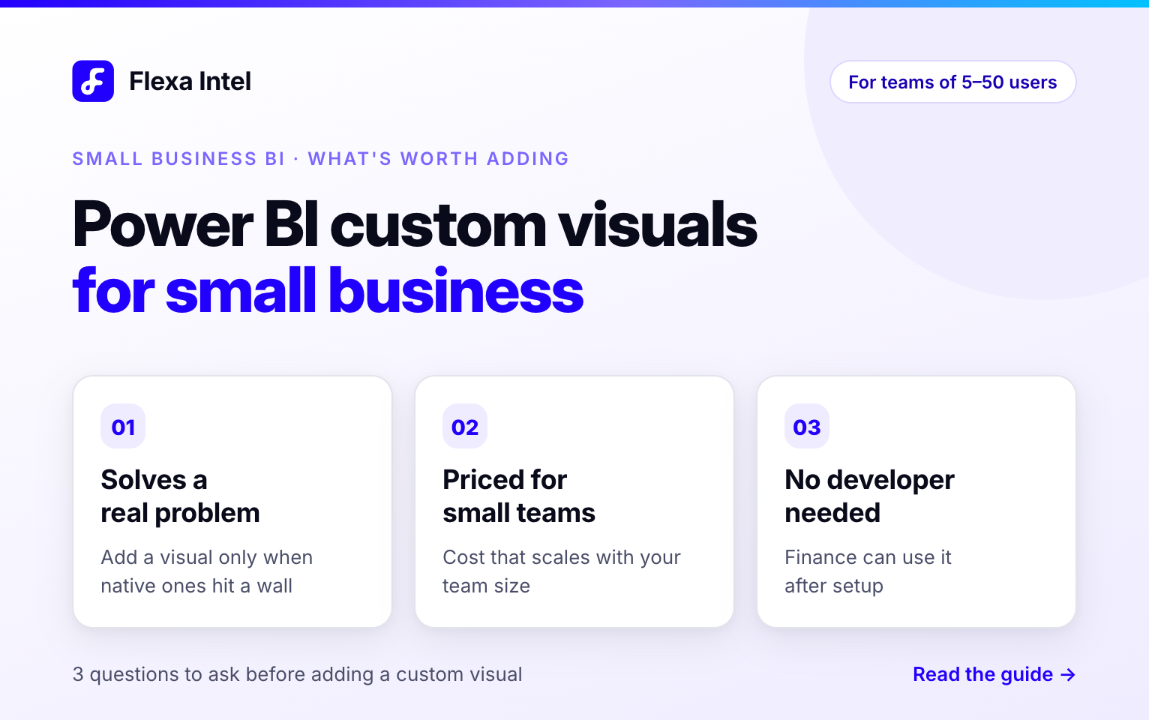
Power BI Custom Visuals for Small Business
Which Power BI custom visuals are worth it for teams of 5–50 users? A practical guide for small businesses on what to add, what to skip and why it matters.
by AdminAugust 14, 2026
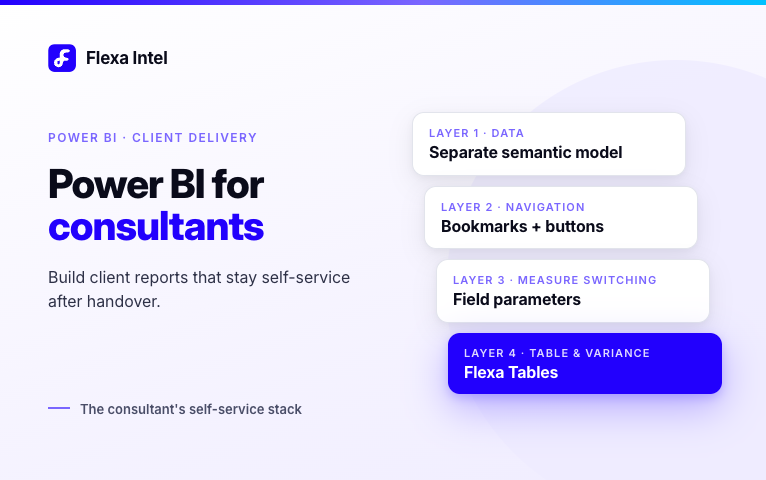
Power BI for Consultants
How Power BI consultants and freelancers build reports clients can use after handover, plus the visual stack that cuts post-delivery change requests.
by AdminAugust 14, 2026
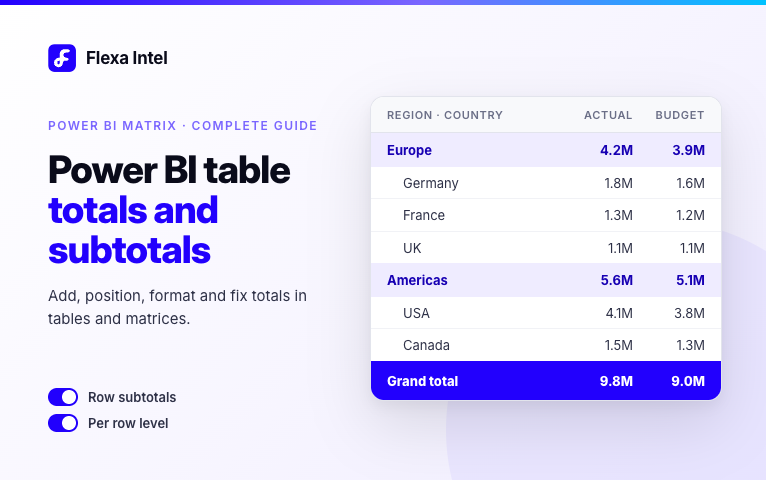
Power BI Table Totals and Subtotals
How to add, position, format and fix totals and subtotals in Power BI tables and matrices, including the common broken totals issue with DAX measures.
by AdminAugust 14, 2026
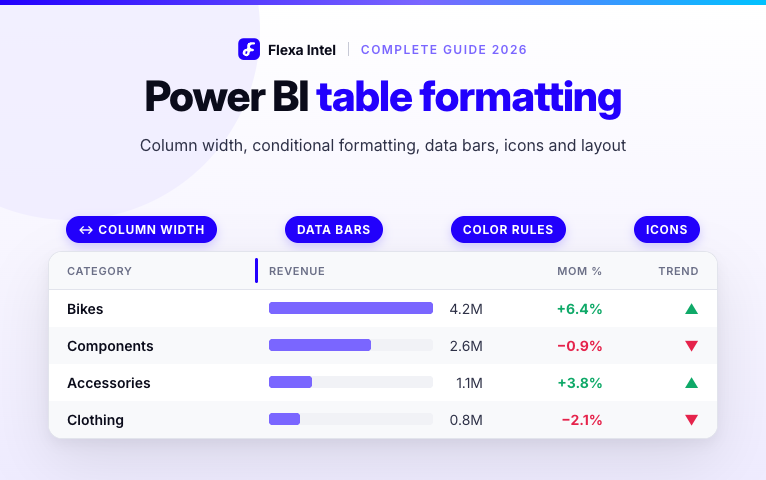
Power BI Table Formatting
Master Power BI table formatting: column width, row height, conditional formatting with colors and icons, data bars, totals, and the limit visuals can fix.
by AdminAugust 13, 2026
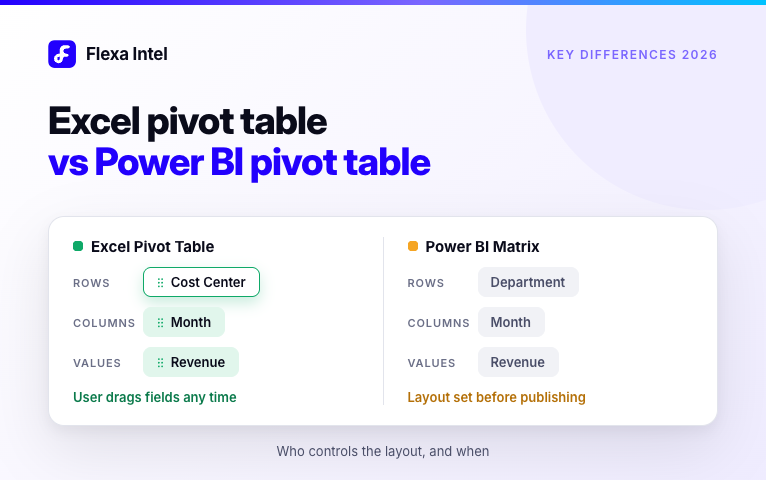
Excel Pivot Table vs Power BI Pivot Table
Excel pivot tables and the Power BI Matrix look alike but differ after publishing. See the gaps and how to get Excel-style pivoting in Power BI.
by AdminAugust 13, 2026
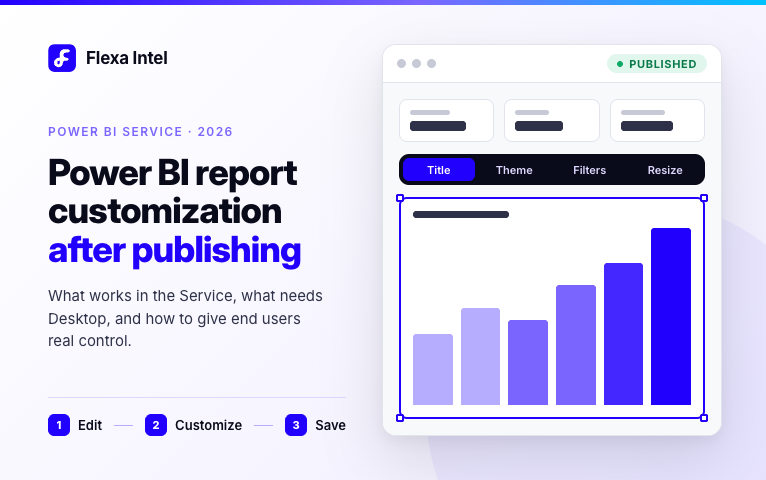
Power BI Report Customization After Publishing
What can you customize in a Power BI report after publishing? See what works in the Service, what needs Desktop, and how to give end users real control.
by AdminAugust 12, 2026
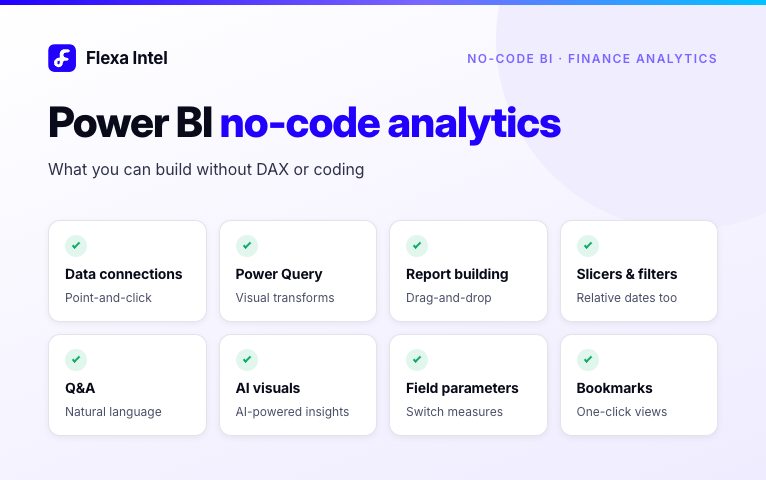
Power BI No-Code Analytics
How far can you go in Power BI without DAX or code? A practical breakdown of every no-code feature, and the one gap that still trips up finance teams.
by AdminAugust 12, 2026
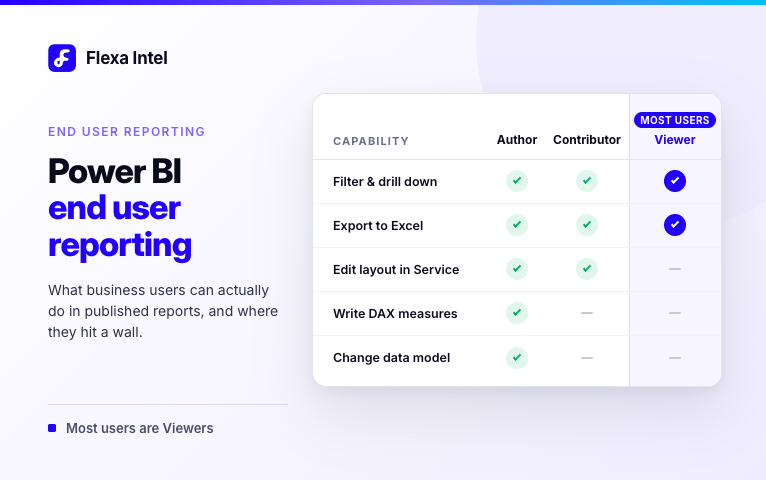
Power BI End User Reporting
What can Power BI end users actually do in published reports, and where do they hit a wall? A practical guide for Finance, Operations and HR users.
by AdminAugust 12, 2026